Installing the Game on Your Phone: What Works and What Doesn't
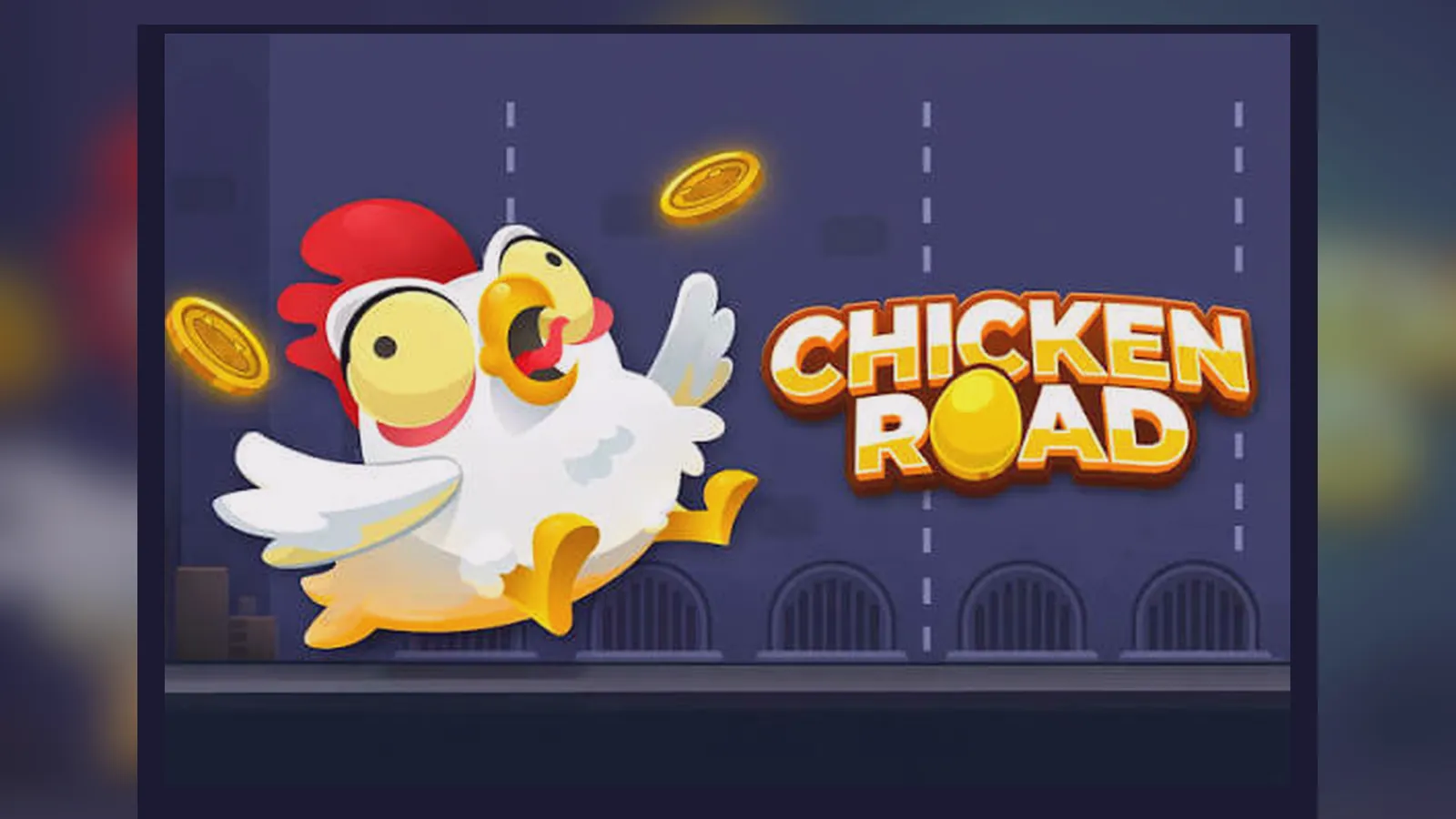
Most crash games in the UK run straight from the casino website — no separate download, no app-store listing, and no hunting for APK files. Chicken Road 2 follows that pattern: you log in, tap the game tile, and you're playing. The page caches itself so it loads faster the second time, but it stays inside the operator's licence rather than living as a standalone app.
This page walks through every install path you might encounter: the browser shortcut that feels like an app, the operator's own iOS or Android app if they offer one, and the APK-sideload route that carries real risk. You'll also see a store-style card with the numbers you'd expect from a proper listing, plus a breakdown of what each method actually delivers and where the clones and malware hide.
What You're Actually Installing
Chicken Road 2 isn't sold as a separate product in the Google Play Store or the App Store. The game lives on the casino's server, and you reach it through a web browser or the operator's gambling app. When you «install» it, you're either bookmarking the URL to your home screen or downloading the casino's wrapper app that holds the entire game catalogue.
The «8 MB cached» figure is what your browser stores locally after the first session — graphics, sounds, and the game client. Operator apps are larger because they bundle the entire lobby, payment flows, and account features. Neither route needs a separate update; the casino pushes changes server-side, and your next session picks them up automatically.
Four Ways to Get It on Your Screen
You have four realistic paths, each with different friction and different risks. The first two are what most UK players use; the last two appear in search results but come with caveats.
- Browser shortcut (iPhone and Android): Open the casino site in Safari or Chrome, navigate to Chicken Road 2, tap the share icon (iOS) or the three-dot menu (Android), then choose «Add to Home Screen». This creates a tile that launches straight into the game. No app-store approval needed, no sideloading, and the game stays under the operator's UKGC licence. The downside: you're still using the mobile browser under the bonnet, so performance depends on your phone's web engine. The upside: one-tap access and instant updates. Risk level: zero, assuming you're on a licensed site.
- Operator's native app (if available): Some UKGC-licensed casinos publish a dedicated iOS or Android app that wraps their entire catalogue. You download it from the App Store or Google Play, log in with your account, and Chicken Road 2 appears in the games list. This path gives slightly smoother performance and push notifications for bonuses or session reminders. Installation: search the operator's name in the store, check the developer matches the website footer, download, verify your identity during first login. Risk level: minimal, because the store vets the publisher and the UKGC licence applies to every game inside. Drawback: not every casino bothers with a native app, and Apple's review process means iOS versions lag behind the web by a few weeks when new games launch.
- Progressive web app (PWA) with offline shell: A handful of operators implement a full PWA that installs like a native app but runs on web standards. On Android, Chrome will prompt «Add Chicken Road 2 to Home Screen» the first time you play, and the icon behaves like a standalone app. On iOS, you follow the share-menu flow manually. The PWA caches the lobby and game assets so it loads even on a flaky connection, then syncs when you're online. This is the middle ground: app-like experience, no store middleman, instant updates. Risk level: zero if you start from a UKGC-registered domain. The catch: PWAs need a modern phone — Android 7.0 or iOS 13.0 at minimum — and some older devices struggle with the heavier canvas rendering.
- APK sideload (Android only): This is where things get murky. You find a .apk file on a third-party site, enable «Install from unknown sources» in your phone settings, and run the installer. The file might be a repackaged version of an operator's app, a white-label shell pointing to an unlicensed server, or outright malware. The APK route bypasses Google Play's safeguards and the UKGC's licensing chain. Even if the game itself is legitimate, the payments and KYC happen outside regulated infrastructure, meaning your deposit protections and GAMSTOP registration don't apply. Installation steps: download the APK, open your security settings, toggle «Unknown sources» on, tap the file, accept permissions, launch. Risk level: high. You have no way to verify the code, and unlicensed operators don't segregate player funds or submit to affordability checks. Clones often request intrusive permissions — contacts, SMS, location — that a real casino app never needs.
What Each Install Method Actually Delivers
The core game — the multiplier curve, the cash-out button, the bet history — is identical across all four methods because it's served from the same back-end. What changes is the wrapper: how fast it loads, whether you see push notifications, and how tightly it integrates with your phone's OS.
| Method | Load time | Offline play | Notifications | Auto-updates | UKGC chain |
|---|---|---|---|---|---|
| Browser shortcut | 2–4 seconds | No | No | Yes (instant) | Yes, if licensed site |
| Operator native app | 1–2 seconds | Lobby cached | Yes | Via store | Yes, checked at install |
| PWA | 1–3 seconds | Shell only | Limited | Yes (instant) | Yes, if licensed domain |
| APK sideload | Varies | Depends on build | Possible | Manual only | Usually no |
Load time assumes a decent 4G or Wi-Fi connection and a phone from the last three years. Offline play means you can browse the lobby without a signal, but you can't place bets or see live multipliers until you're back online. Notifications cover things like deposit confirmations, bonus credits, or session-time warnings — the native app handles these natively, the PWA can request permission but relies on the browser's notification engine, and the shortcut can't do it at all.
The «UKGC chain» column is the deciding factor: if the install route doesn't land you on a site with a licence number in the footer and a GAMSTOP link in the responsible-gambling section, you're outside the regulatory perimeter. That means no segregated funds, no affordability checks from £150 a month, no dispute resolution through the operator's ADR scheme. The APK path almost never delivers a licensed experience because the file either points to an offshore mirror or injects a payment layer that skips KYC.
Spotting Fake Versions and Dangerous Clones
Crash games are simple enough to clone in a weekend, and «Chicken Road 2 APK» is a common search phrase that scammers exploit. A fake version might look pixel-perfect but connect to a rigged RNG, harvest your card details through a phishing deposit form, or install a keylogger that scrapes everything you type.
- No UKGC licence in the footer: legitimate operators display a licence number — usually a seven-digit reference — and link to the UKGC public register where you can verify it. If the site skips this or shows a licence from Curaçao, Malta, or another jurisdiction, it's not legal for UK players.
- Permissions that make no sense: a real casino app or PWA asks for storage (to cache assets), camera (for ID upload during KYC), and possibly notifications. A clone might request your contacts, SMS history, precise location, or microphone. Deny anything that isn't obviously tied to account verification or gameplay.
- Deposit methods that bypass KYC: credit cards have been banned for UK gambling since 2020, and every licensed operator checks your age and identity before you can deposit. If a site or app lets you fund an account with a credit card, accepts crypto without verification, or takes payment through a generic Stripe link, it's not complying with UKGC rules.
- Missing responsible-gambling tools: look for GAMSTOP integration, deposit-limit settings, session-time reminders, and a link to BeGambleAware. Clones skip these because they don't answer to a regulator. The absence of a «Take a Break» or «Self-Exclude» button is a red flag.
- Suspiciously high RTPs or guaranteed-win claims: the maths of a crash game is fixed by the provider, and Chicken Road 2 delivers a house edge in line with the market standard. If a site promises 99 per cent RTP, «proven strategies», or «win every session», it's either lying about the odds or running a honeypot that refuses withdrawals.
The cleanest way to avoid fakes: start your search on a comparison site that lists UKGC-licensed operators, click through to the casino, and install from there. If you already have an account, log in on the official domain (check the URL carefully) and follow the operator's own install instructions. Third-party APK repositories, Telegram channels promising «cracked versions», and YouTube links to direct downloads are all high-risk territory.
Phone Requirements and Performance Notes
Chicken Road 2 uses canvas rendering for the multiplier graph and sprite-based animation for the character, so it's lighter than 3D slots but heavier than a static card game. You need a phone from roughly 2018 onward to run it smoothly.
- Android: version 7.0 Nougat or newer, 2 GB RAM minimum, Chrome 90+ or the operator's app if they publish one. Mid-range chips like the Snapdragon 600 series handle it comfortably; budget models with 1 GB RAM will stutter during the multiplier climb.
- iOS: version 13.0 or later, which covers the iPhone 6s and everything after. Safari's JavaScript engine is fast enough that even older devices run the game without frame drops, but the home-screen shortcut method works best on iOS 14+ where PWA support matured.
- Screen size: playable on anything from a 4.7-inch iPhone SE to a 6.7-inch Android phablet. The interface scales, but a larger screen makes the cash-out button easier to hit when the multiplier is climbing fast.
- Network: you need a persistent connection because the multiplier and other players' bets update in real time via WebSocket. A 3G signal works but introduces lag; 4G or Wi-Fi is the sweet spot. If your connection drops mid-round, the operator's back-end auto-cashes you out at the last confirmed multiplier to prevent disputes.
Performance degrades if you run the game in a browser tab with ten other tabs open, or if your phone is thermal-throttling from a previous gaming session. Close background apps, give the device a minute to cool down, and avoid playing while the phone is plugging in and charging — heat affects touch responsiveness.
Battery drain: expect 10–15 per cent per hour of active play on a modern phone. The constant screen-on time and network chatter add up, so a portable charger is useful if you're playing on the move. Low-power mode on iOS throttles the GPU and can introduce frame skips; better to charge the phone than to enable it mid-session.
FAQ
Do I need to download an APK to play Chicken Road 2 in the UK?
No. The game runs on UKGC-licensed casino sites through your mobile browser, and you can add a home-screen shortcut for one-tap access. An APK sideload bypasses the operator's licence and exposes you to clones, malware, and unregulated payment flows. The safest route is to play directly on a licensed site or download the operator's official app from the App Store or Google Play if they offer one.
Why don't I see Chicken Road 2 as a standalone app in the store?
Crash games are typically embedded in the casino's platform rather than distributed as separate titles. You'll find the operator's app — which contains Chicken Road 2 alongside hundreds of other games — but not a single-game listing. This model keeps everything under one UKGC licence and simplifies updates, since the provider pushes changes server-side without waiting for app-store approval.
What permissions should a legitimate casino app request on Android?
Storage (to cache game assets), camera (for uploading ID documents during KYC), and optionally notifications (for deposit confirmations or bonus alerts). Requests for contacts, SMS, call logs, precise location, or microphone are red flags — a casino has no legitimate reason to access that data. If an app or APK asks for those permissions, refuse and uninstall.
Can I install the game on an older iPhone or Android?
You need iOS 13.0 or Android 7.0 at minimum. Older devices lack the JavaScript engine and canvas performance required for smooth rendering, and some won't support the payment APIs that licensed operators use for Open Banking or Apple Pay. If your phone is from 2017 or earlier, the game might load but will stutter during the multiplier climb, making accurate cash-outs difficult.